 You Are Viewing The Brand Location.
Before you leave for summer vacation, your WiFi thermostat can help you save energy without putting your home at risk of heat, humidity, and stale indoor air. The key is using “Away Mode” the right way instead of simply shutting your cooling system off. That matters even more when you rely on air conditioning in Lake in the Hills during hot, humid summer weather.
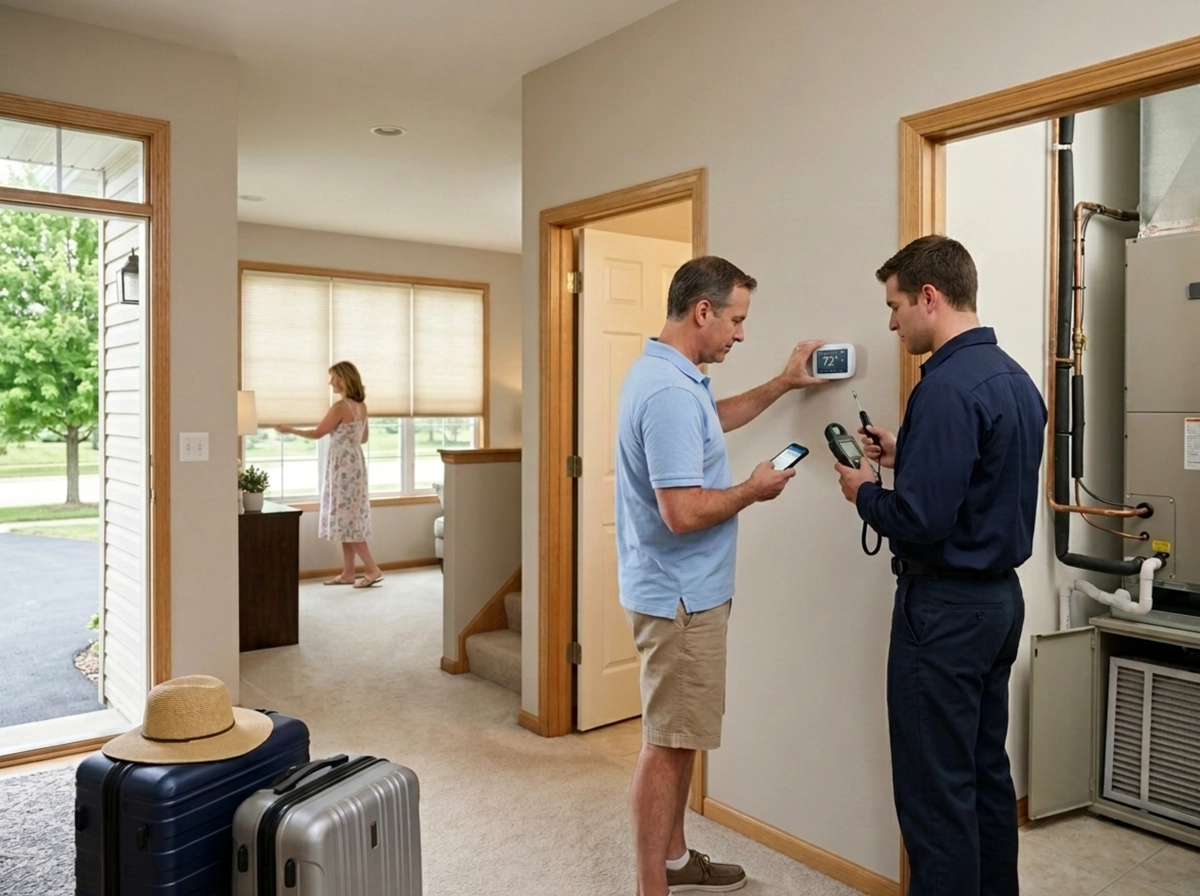
At 24-Hour Home Comfort Services, we want you to come home to a house that feels comfortable, clean, and ready to enjoy. A week away should not end with musty rooms, sticky floors, or the smell of trapped humidity.
What Away Mode Actually Does
Away Mode is designed to reduce cooling while you are gone. Instead of maintaining your normal indoor temperature, your WiFi thermostat allows the temperature to rise to a more efficient setting. That helps lower energy use because your air conditioner does not have to run as often.
But here is the important part: Away Mode should still allow your system to run enough to manage indoor humidity. During summer, your air conditioner does more than cool the air. It also removes moisture. If the system barely runs for several days, humidity can build up inside the home.
That is when you can return to a house that feels damp, smells musty, or encourages mildew growth in closets, basements, bathrooms, and other low-airflow areas.
Set Your Vacation Temperature Carefully
For most homes, we recommend setting Away Mode somewhere around 78 to 82 degrees during summer vacation. This range usually provides a good balance between energy savings and humidity control.
If you set the temperature too low, you may waste energy cooling an empty home. If you set it too high, your air conditioner may not cycle often enough to pull moisture out of the air. The right setting depends on your home, insulation, sun exposure, and how well your cooling system controls humidity.
If your thermostat has a humidity setting, use it. Many smart thermostats allow you to set a maximum indoor humidity level, often around 50% to 55%. That can help your system run when the moisture gets too high, even if the temperature is not calling for much cooling.
Use Your App While You’re Away
One of the biggest benefits of a WiFi thermostat is remote access. Before you leave, confirm that your thermostat is connected to your app and that alerts are turned on. While you are away, check the indoor temperature and humidity every couple of days.
If the indoor humidity starts climbing, lower the Away Mode temperature by a few degrees. This gives your system more runtime and helps remove moisture before the air gets stale. Before you head home, switch your thermostat back to your normal comfort setting so the house is ready when you walk in.
Your WiFi thermostat can be a great tool, but only when it is set up properly for your home and your comfort goals.
You can always count on 24-Hour Home Comfort Services, your heating and cooling specialists.
 888-989-2447